Data Center Cabling Best Practices
Proven data centre cabling best practices for UAE facilities: topology, airflow, labelling, redundancy and documentation for reliable, scalable infrastructure.

The short answer: great data centre cabling comes down to a planned topology, ruthless cable management, protected airflow, clear labelling, sensible redundancy and complete documentation. Get these right and the facility stays cool, reliable and easy to change; get them wrong and every upgrade becomes a risk.
A data centre concentrates more cabling into less space than anywhere else in a building, so small habits scale into big consequences. These best practices help UAE facilities and IT managers build infrastructure that performs under pressure.
Start With a Structured Topology
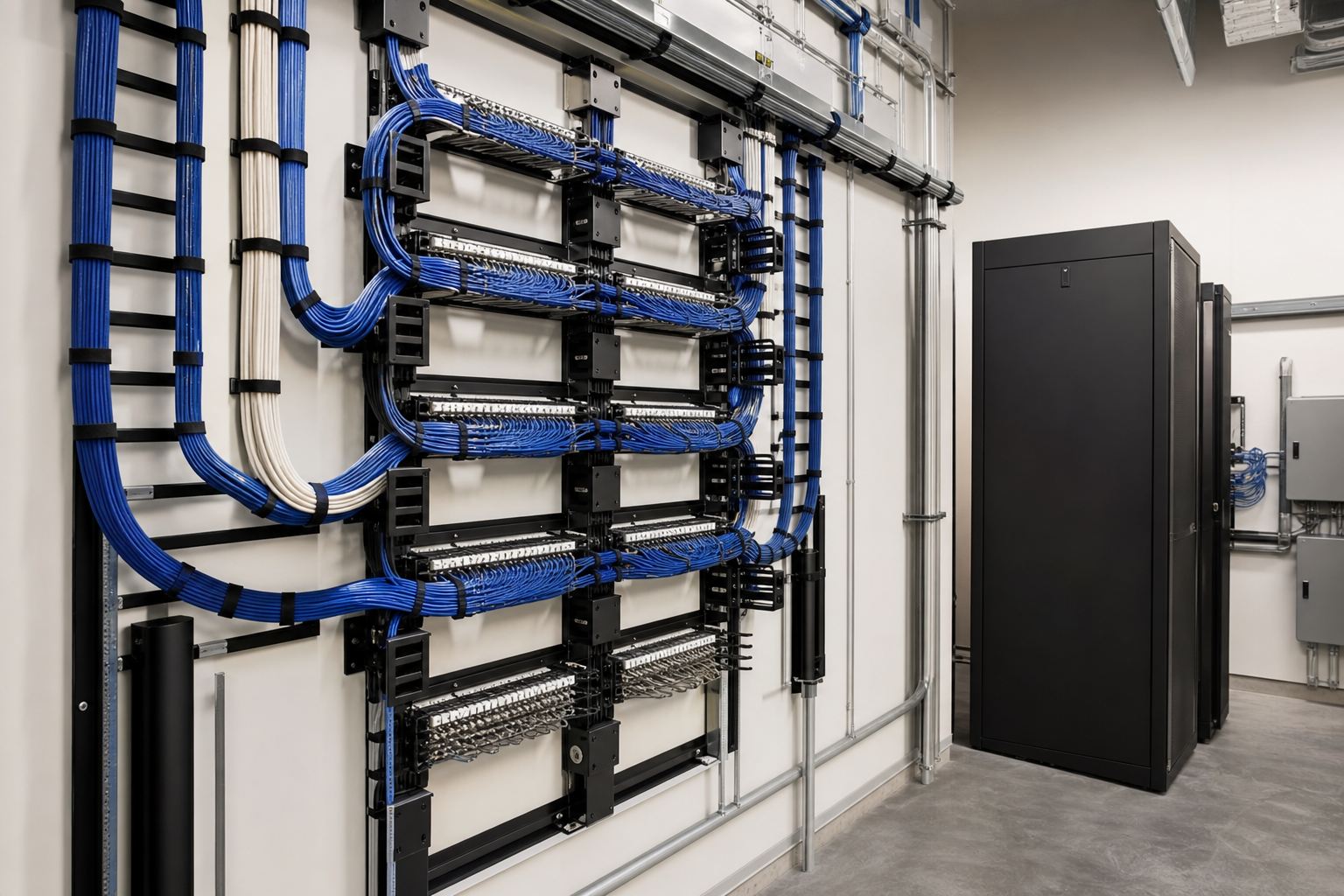
Ad-hoc rack-to-rack patching does not scale. A structured approach, with defined main and horizontal distribution areas and consistent patching points, keeps the facility organised as it grows.
- Use a clear hierarchy from main distribution to each rack row.
- Standardise rack and row layouts so cabling is predictable.
- Plan cross-connects so changes happen at patch panels, not by re-running cable to live equipment.
A consistent topology means anyone can understand the facility from its documentation, which is invaluable during an incident.
Manage Cable Like It Matters
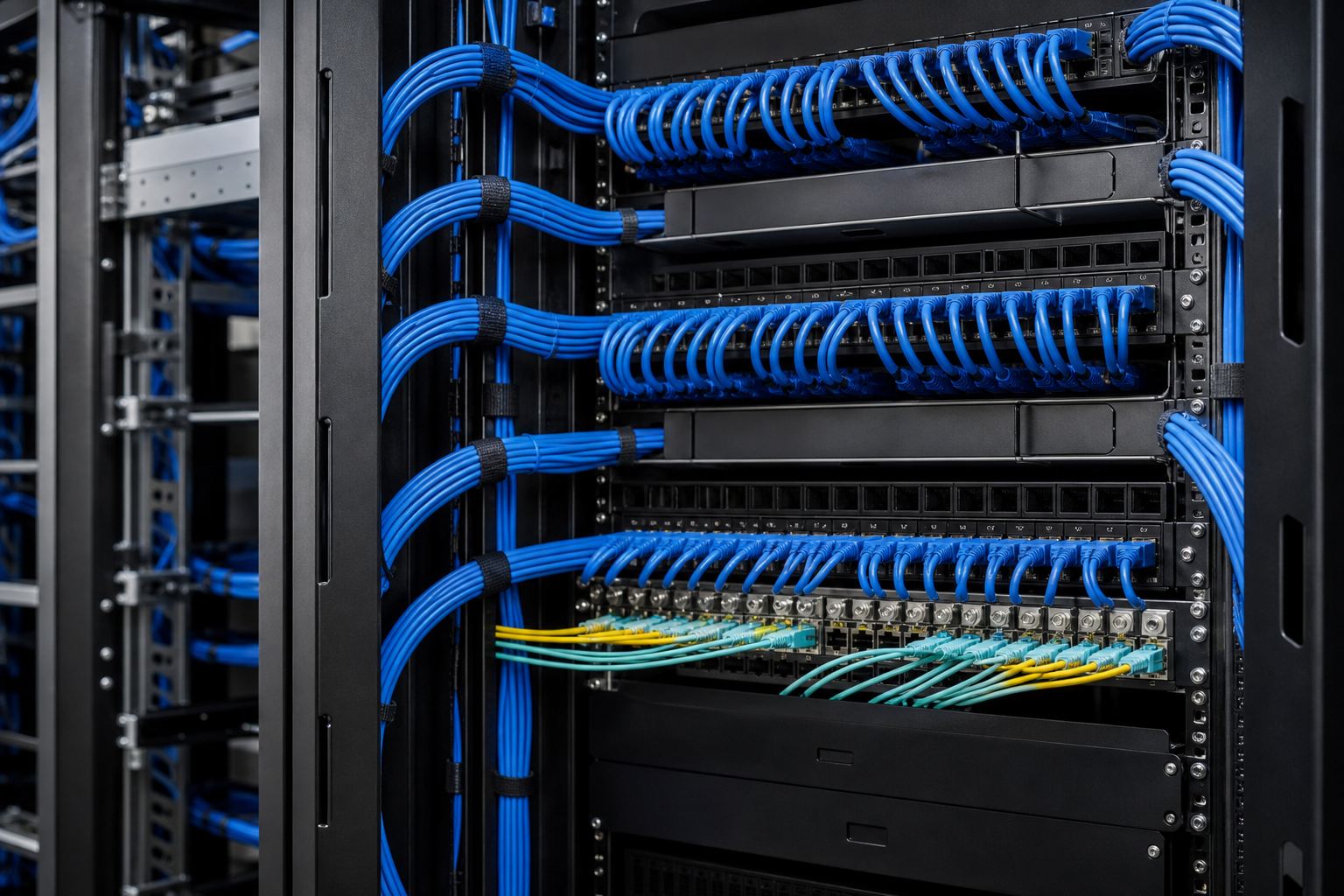
In a data centre, cable management is not cosmetic; it directly affects cooling and uptime.
| Practice | Why it matters |
|---|---|
| Separate power and data pathways | Reduces interference and simplifies tracing |
| Use overhead or under-floor routing deliberately | Keeps airflow paths clear |
| Maintain bend radius at panels and racks | Protects fiber and copper performance |
| Leave spare tray capacity | Allows growth without disruption |
| Bundle loosely and support cables | Prevents crushed conductors |
Tidy cabling is what allows a technician to make a change at 2am without taking down the wrong server.
Protect Airflow and Cooling
Cooling is one of the biggest operational costs and risks in a data centre, and cabling has a direct impact. Cable bundles that block under-floor plenums or rear-of-rack exhaust trap heat exactly where it does most harm.
- Route cables away from cooling paths and hot/cold aisle airflow.
- Use blanking panels and proper rack management so cabling does not obstruct circulation.
- Keep bundles to planned sizes so they do not balloon and choke airflow over time.
Good cabling discipline is, indirectly, good thermal management.
Choose Media by Role
Use the right medium for each link rather than a one-size-fits-all approach:
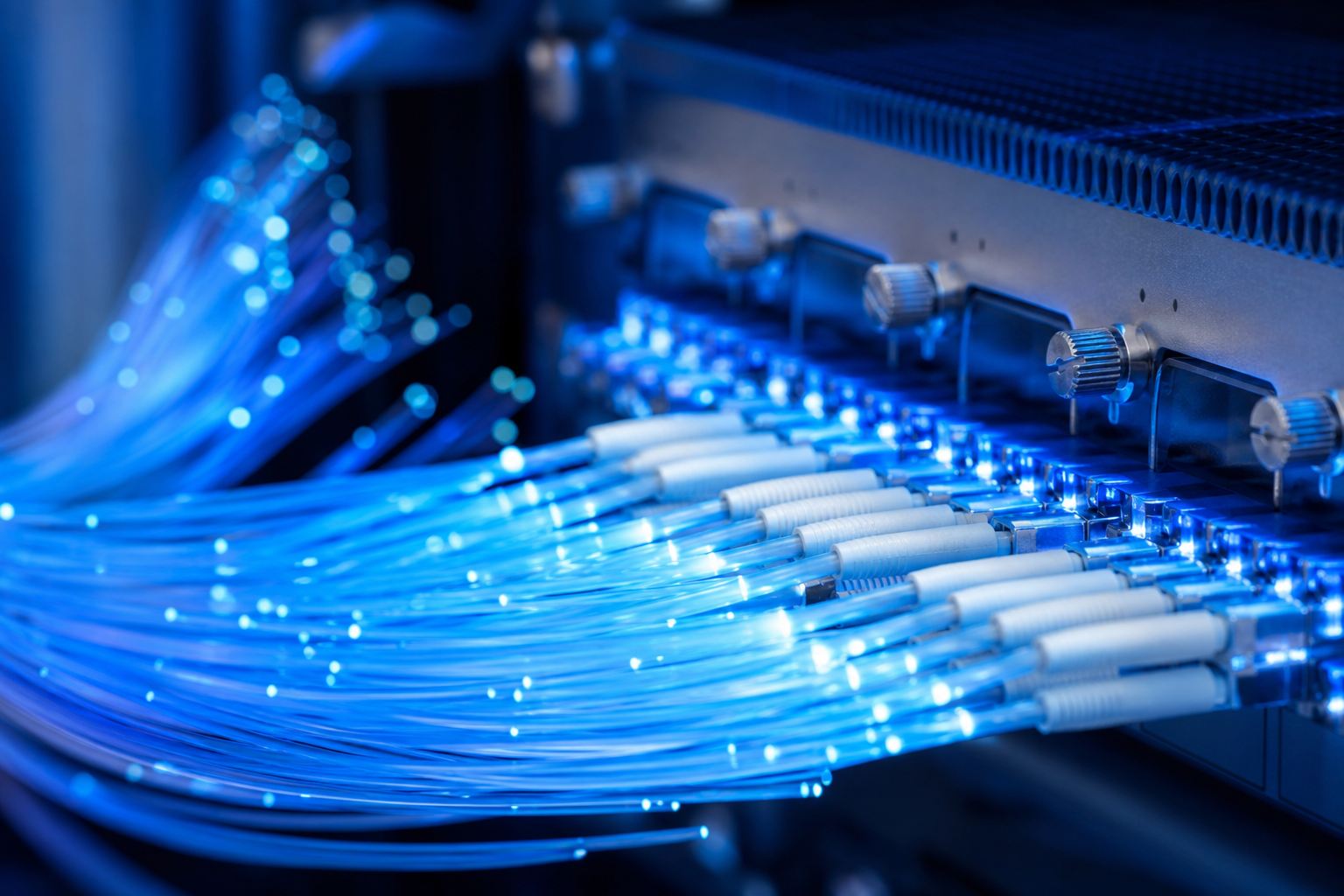
- Fiber for high-speed backbone, switch-to-switch and longer links.
- Copper for shorter server connections where it remains cost-effective.
Match the grade and type to the speeds and distances involved, and standardise choices so spares and patch cords stay simple to manage.
Build In Redundancy
Critical infrastructure should survive a single failure. Depending on your availability target, provision diverse, redundant paths for key links so the loss of one route does not cause an outage. Plan this at design stage; retrofitting redundancy into a live facility is far harder. Align the level of redundancy with your business continuity requirements rather than over- or under-building.
Label and Document Relentlessly
In a dense environment, an unlabelled cable is a future outage waiting to happen.
- Label both ends of every cable with a consistent scheme.
- Maintain accurate as-built drawings, port maps and patching records.
- Update documentation immediately after every change, not "later".
Certification testing of every link at handover gives you a documented performance baseline and catches defects before they become live faults.
Plan for Growth
Data centres rarely shrink. Provision spare pathway capacity, spare ports and spare power so adding equipment is a patching exercise rather than a rebuild. The marginal cost of planning ahead is tiny compared with the disruption of expanding a running facility.
A Quick Best-Practice Summary
- Design a structured, hierarchical topology.
- Treat cable management as an airflow and uptime issue.
- Keep cooling paths clear of cabling.
- Select copper and fiber by role and standardise.
- Build redundancy to match your availability target.
- Label everything and keep documentation current.
- Certify every link and provision for growth.
The common thread is discipline. A data centre rewards careful, consistent cabling with years of stable operation and punishes shortcuts with heat, downtime and risky changes. Our team designs and installs data centre cabling to these standards across the UAE; see our services or browse our projects for examples.
Planning, expanding or cleaning up a data centre? Contact our team for a structured cabling design built for reliability and growth.
Frequently asked questions
What is the single most important data centre cabling practice?+
Disciplined cable management and labelling. In a dense environment, neat, documented cabling is what keeps airflow clear, troubleshooting fast and changes low-risk. Almost every other best practice depends on it.
Should data centres use copper or fiber?+
Both, by role. Fiber typically handles high-speed backbone and switch-to-switch links, while copper serves shorter server connections. The right mix depends on speeds, distances and the equipment in each rack.
Why does cabling affect cooling?+
Poorly routed cable bundles block airflow under floors and behind racks, trapping heat around equipment. Tidy, well-planned cabling preserves the cooling paths the facility was designed around, improving reliability and energy efficiency.
How much redundancy should a data centre have?+
It depends on the facility's availability target, but critical links are commonly provisioned with diverse, redundant paths so a single failure does not cause an outage. The level should match your business continuity requirements.