Visitor Management Best Practices for Commercial Buildings
Practical visitor management best practices for UAE commercial buildings: pre-registration, badging, host notifications, evacuation safety and compliance tips.
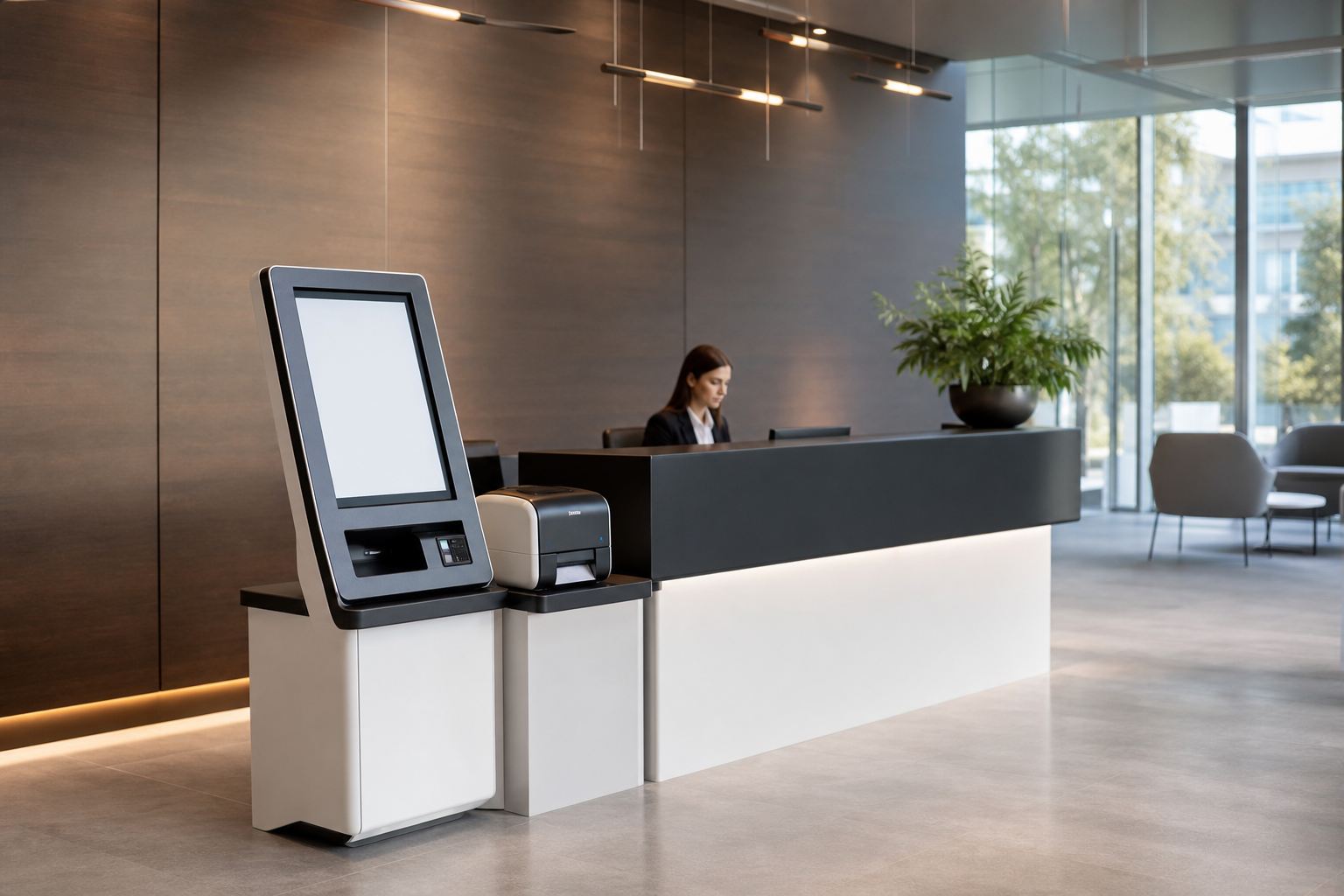
The best visitor management combines pre-registration, instant host notification, photo badging and time-limited access credentials, so every guest is known, authorised and accounted for from arrival to departure. For UAE commercial buildings, this replaces the paper logbook with a faster, safer and fully auditable process.
This guide sets out the practices that consistently work for facilities managers and building owners across Dubai.
Why visitor management matters
A paper logbook tells you little, is easy to falsify and is useless in an emergency. Modern visitor management closes those gaps by making sure you always know who is in the building, why, and which areas they can reach.
The benefits are tangible:
- Stronger security through known, authorised and time-limited access
- A professional first impression with smooth, branded check-in
- Accurate records for investigations, audits and compliance
- Safer evacuations with a real-time list of everyone on site
- Less reception workload through self-service and pre-registration
Best practice 1: Pre-register visitors
The single biggest improvement is to capture visitor details before they arrive. Hosts send an invitation; the guest completes their details and any required documents in advance. On arrival, check-in takes seconds.
Pre-registration lets you screen guests, prepare credentials and avoid reception queues, which matters in busy towers where many visitors arrive at once.
Best practice 2: Issue clear, temporary credentials
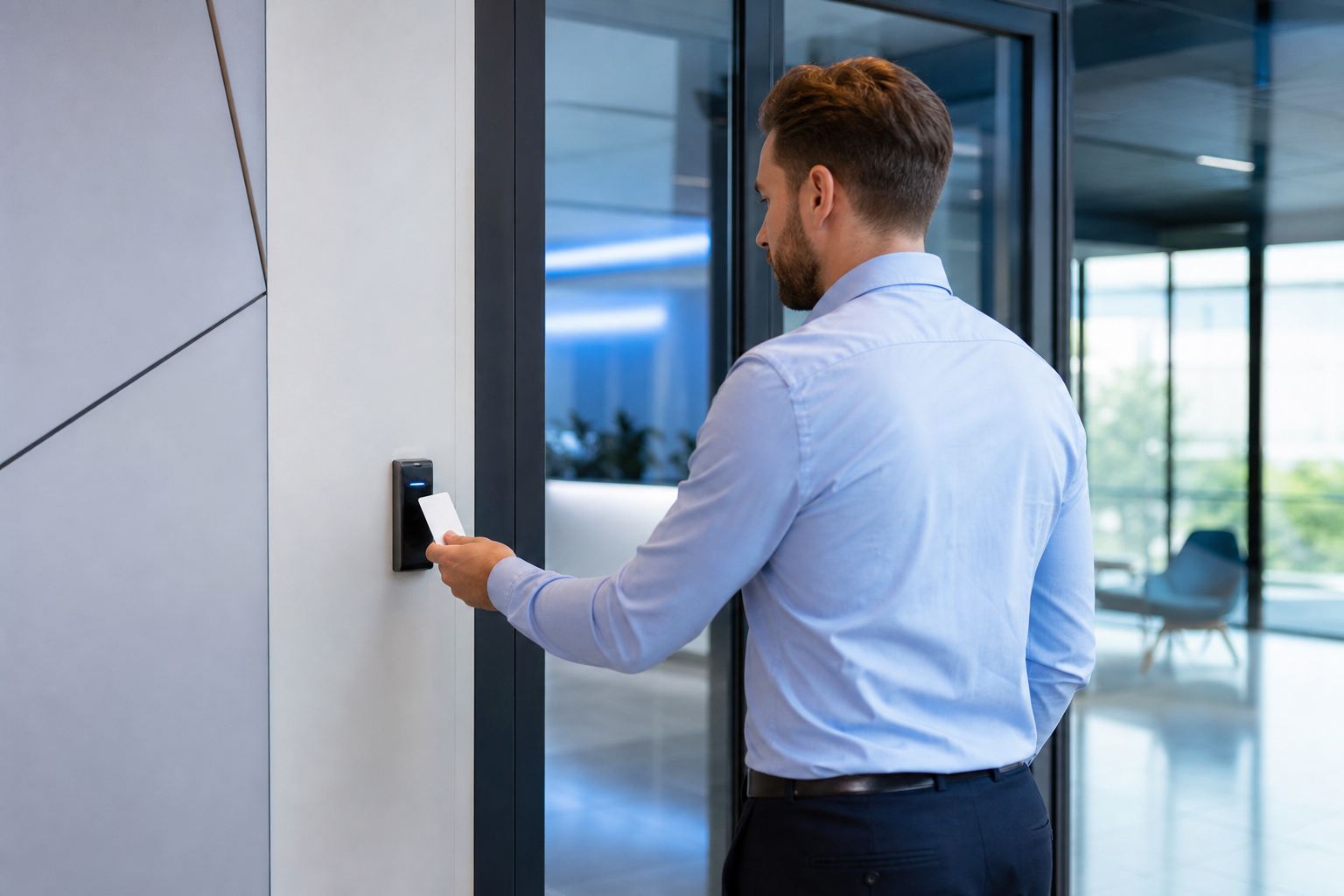
Every visitor should receive a visible badge and, where access control is integrated, a temporary credential that:
- Works only in permitted areas
- Expires automatically at the end of the visit or the day
- Clearly distinguishes visitors from staff at a glance
- Is linked to the visitor's record and host
This ensures a guest can reach the meeting room but not the server room, and that forgotten or lost passes stop working on their own.
Best practice 3: Notify the host automatically
When a visitor checks in, the system should alert the host instantly by email or message. This keeps guests from waiting unescorted in lobbies, improves the experience and reduces the chance of someone wandering unaccompanied.
Best practice 4: Capture the right data, securely
Collect what you genuinely need for security and compliance, and no more. A typical record includes:
| Data captured | Purpose |
|---|---|
| Name and company | Identification and records |
| Host and reason for visit | Accountability and routing |
| Photo | Verification and badge |
| Time in / out | Audit trail and evacuation |
Treat this information as personal data: store it securely, restrict who can view it, set sensible retention limits and obtain consent at check-in. Because rules can change, check current UAE data-protection and SIRA guidance and configure retention and access accordingly. You can build this into a wider security design through our services.
Best practice 5: Plan for emergencies
In an evacuation, you must account for visitors as well as staff. A good system provides an instant, exportable list of everyone currently checked in, accessible from a mobile device at the assembly point. This is impossible with a paper book left at a burning reception desk.
Make sure visitor data feeds your evacuation procedures and that marshals know how to access the live on-site list.
Best practice 6: Manage contractors and deliveries separately
Contractors and couriers have different needs from corporate guests. Best practice is to:
- Pre-approve contractors with the relevant documents and inductions on file.
- Grant area-specific, time-bound access matching their scope of work.
- Streamline deliveries with a quick check-in that does not clog the main visitor flow.
- Keep a clear record of who worked where and when, for safety and accountability.
Best practice 7: Integrate, don't isolate
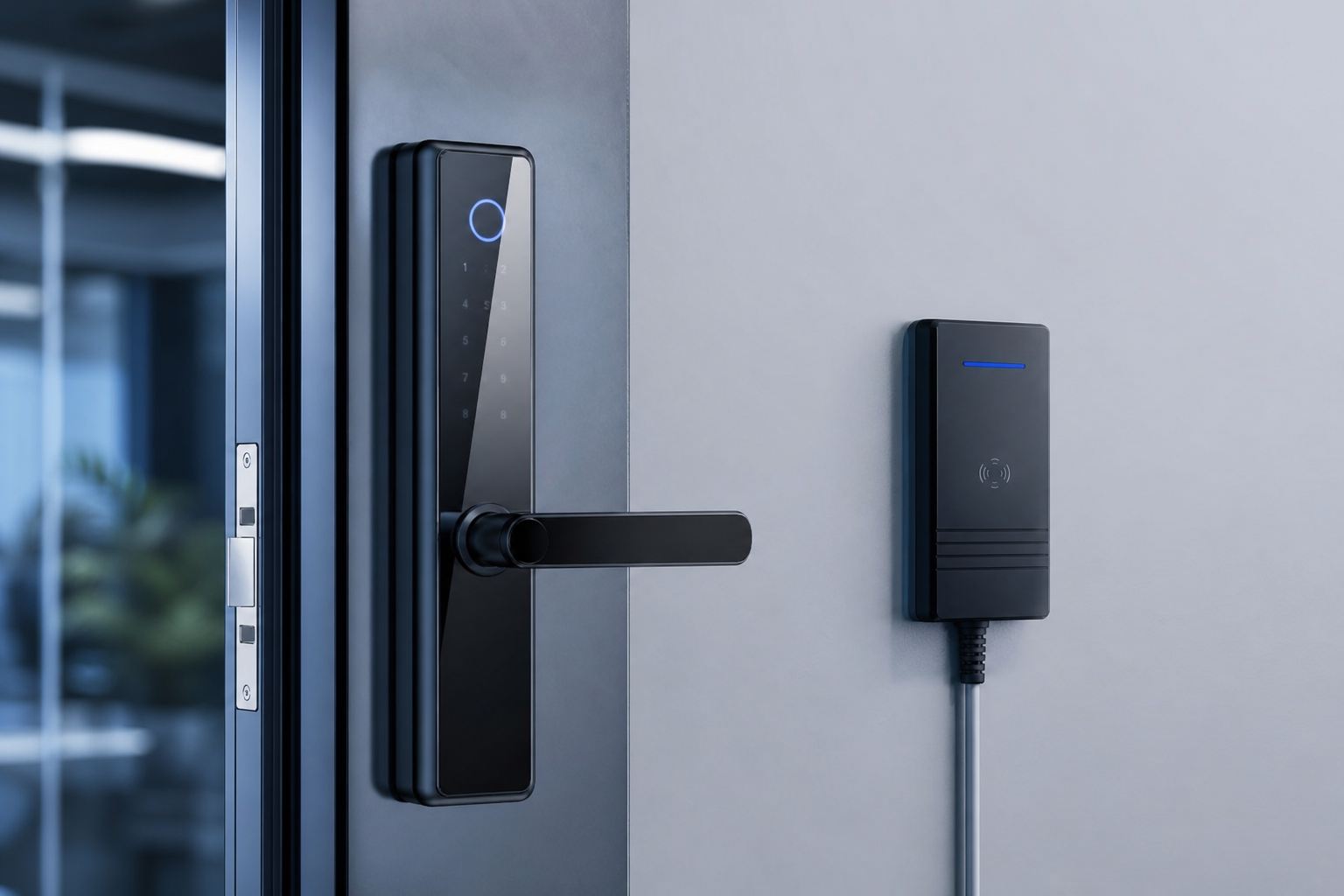
Visitor management delivers the most value when it connects to your access control, CCTV and alarm systems. Integration means temporary credentials flow straight into your access platform, check-in events tag camera footage, and reporting is unified.
This turns visitor management from a standalone reception tool into part of a coherent building-security strategy. You can see integrated deployments in our projects.
Putting it together
A strong visitor programme follows a simple arc: invite and pre-register, verify and badge on arrival, notify the host, grant time-limited access, then automatically close out on departure. Layer in secure data handling and evacuation readiness, and you have a process that protects people and property while still feeling welcoming.
A quick self-assessment
Ask yourself:
- Can we produce a live list of everyone in the building right now?
- Do visitor credentials expire automatically?
- Are hosts notified the moment guests arrive?
- Is visitor data stored securely with sensible retention?
If the answer to any of these is no, there is room to strengthen your setup.
Want to modernise visitor management in your building? Contact our team for a site survey and a practical design that fits your reception, your access control and your compliance obligations.
Frequently asked questions
What is a visitor management system?+
A visitor management system is software, often paired with a kiosk and access control, that registers guests, issues temporary credentials and notifies hosts. It replaces the paper logbook with a faster, more secure and auditable process for commercial buildings.
Why is visitor management important for security?+
It ensures everyone in your building is known, authorised and accounted for. Pre-registration, photo capture and temporary access reduce tailgating and unauthorised entry, while accurate records support investigations and safe evacuation.
Do visitor management systems integrate with access control?+
Yes. Leading systems issue temporary credentials that work with your existing access control, granting visitors entry only to permitted areas for a limited time, then automatically expiring the access when they leave or the day ends.
Is visitor data handled securely under UAE rules?+
It should be. Collect only what you need, store it securely, set sensible retention limits and obtain consent. Requirements can vary, so check current UAE data-protection and SIRA guidance and configure your system accordingly.